Every visit. Precisely planned.
The AI for home care services, alongside your care software: your team speaks instead of typing.
Register your care service
Illustration in four scenes. First: on a city map seen from above, a caregiver's car drives a marked route to a client's home; a card counts down the minutes to arrival and then shows “on site”. Second: a sketch of the room; a phone records the conversation, analyses it and sorts the content into wellbeing, medication, vital signs and notes; then three to-dos for the next visit appear, marked as machine-generated. Third: the visit runs longer, the route is recalculated, and dispatch confirms that the next clients are told about the delay and that one visit is handed to a colleague. Fourth: the map zooms out to the whole city; five colour-coded rounds with their cars and clients are under way at the same time, and a dispatch overview shows for each round how many visits are done and whether it is on time (sample data). The animation can be paused, and every scene can be selected on its own.
Sound familiar?
- Conversation
“The paperwork gets written at the kitchen table at night.”
The writing starts after the round. Good people leave because the paperwork never stops.
- Overview
“What Mrs K. said on Tuesday, only one colleague knows.”
Knowledge sits in heads, on scraps of paper or in private messengers, health data included.
Speak instead of typing. Farola sorts the rest.




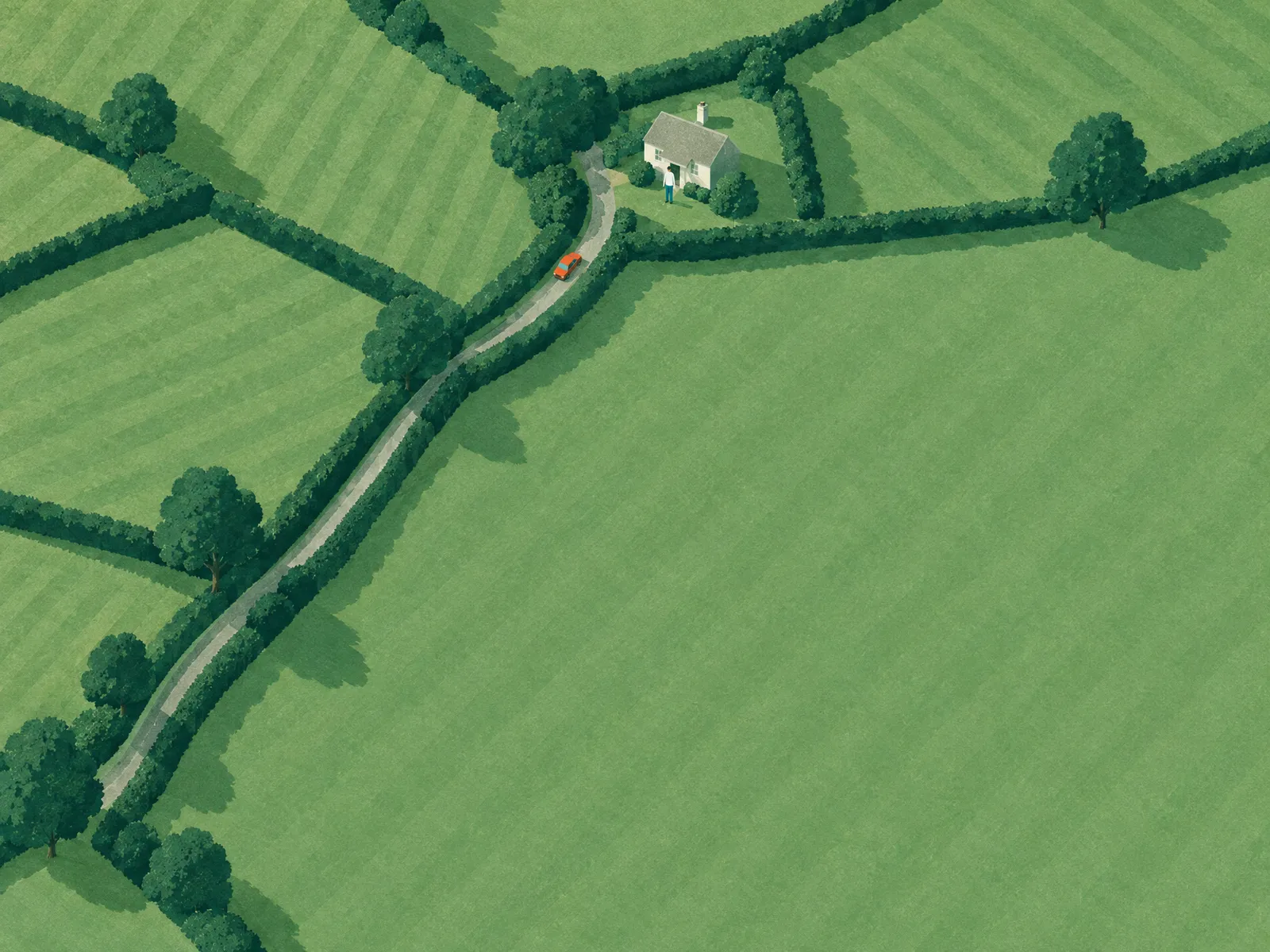
1 · Drive
Arrive prepared
“What do I need to know about Mrs K.?” the caregiver asks the assistant, and gets the answer from her own round: access, tasks, what mattered last time.
For you: Fewer questions to the office, fewer surprises at the door.
- The day's round in driving order, with access notes
- Navigation with Apple Maps, “Arrived” with one tap
- Live arrival time: if the day shifts, management sees it
- Assistant for questions about your own round, just by voice
2 · Conversation
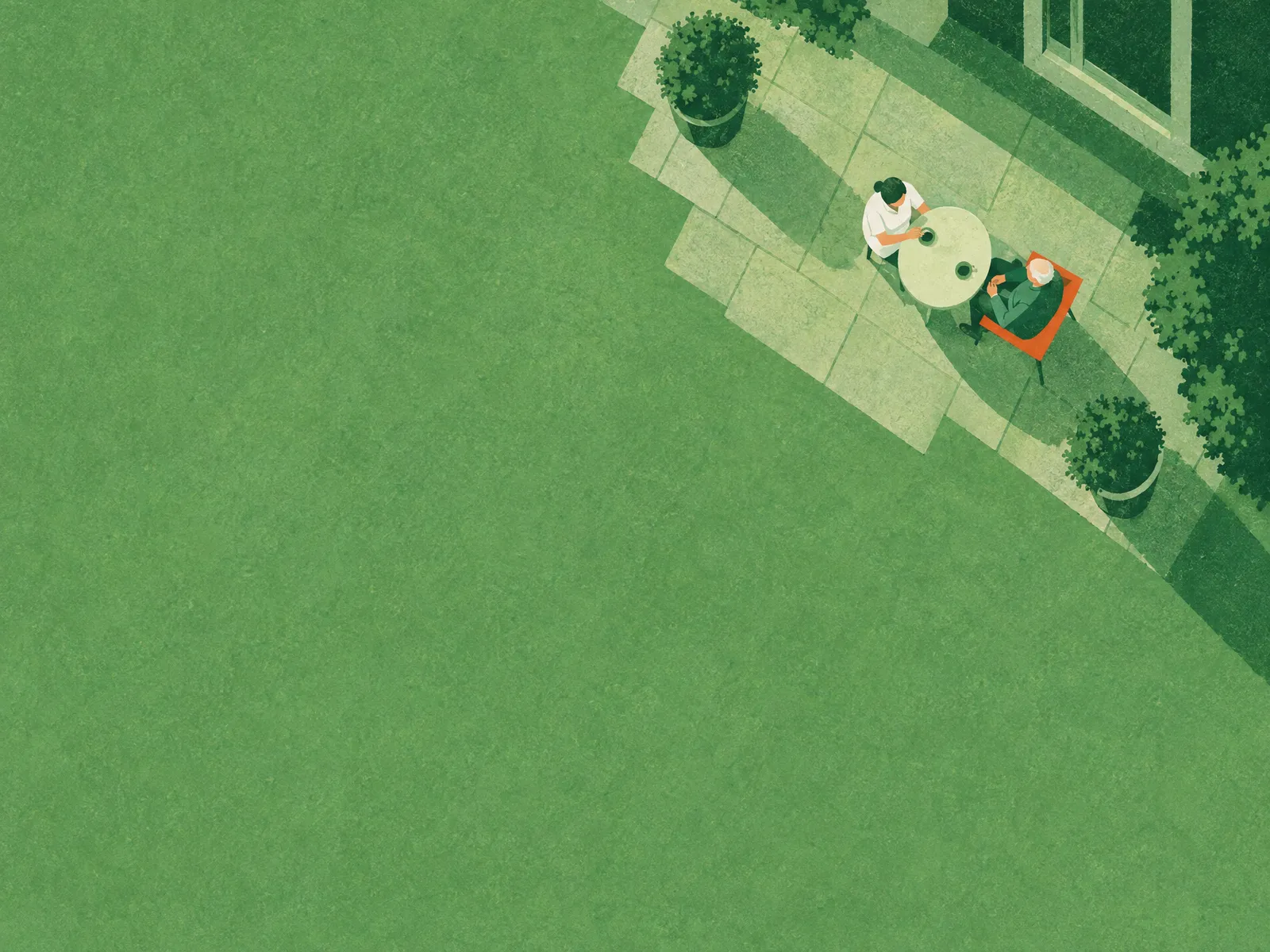
Speak once, everything sorted
The caregiver records the conversation at the client's home, but only with documented consent. Farola writes it down and organises what was said.
For you: Documentation happens during the visit, not after work.
- Recording with a visible indicator, only with consent
- Transcript in the EU (Vertex AI, EU region)
- Sorted automatically: wellbeing, medication, vital signs, notes
- To-dos for the next visit straight from the conversation
- Summary as a briefing for the next colleague
- Recordings are deleted automatically after the agreed period
3 · Replanning
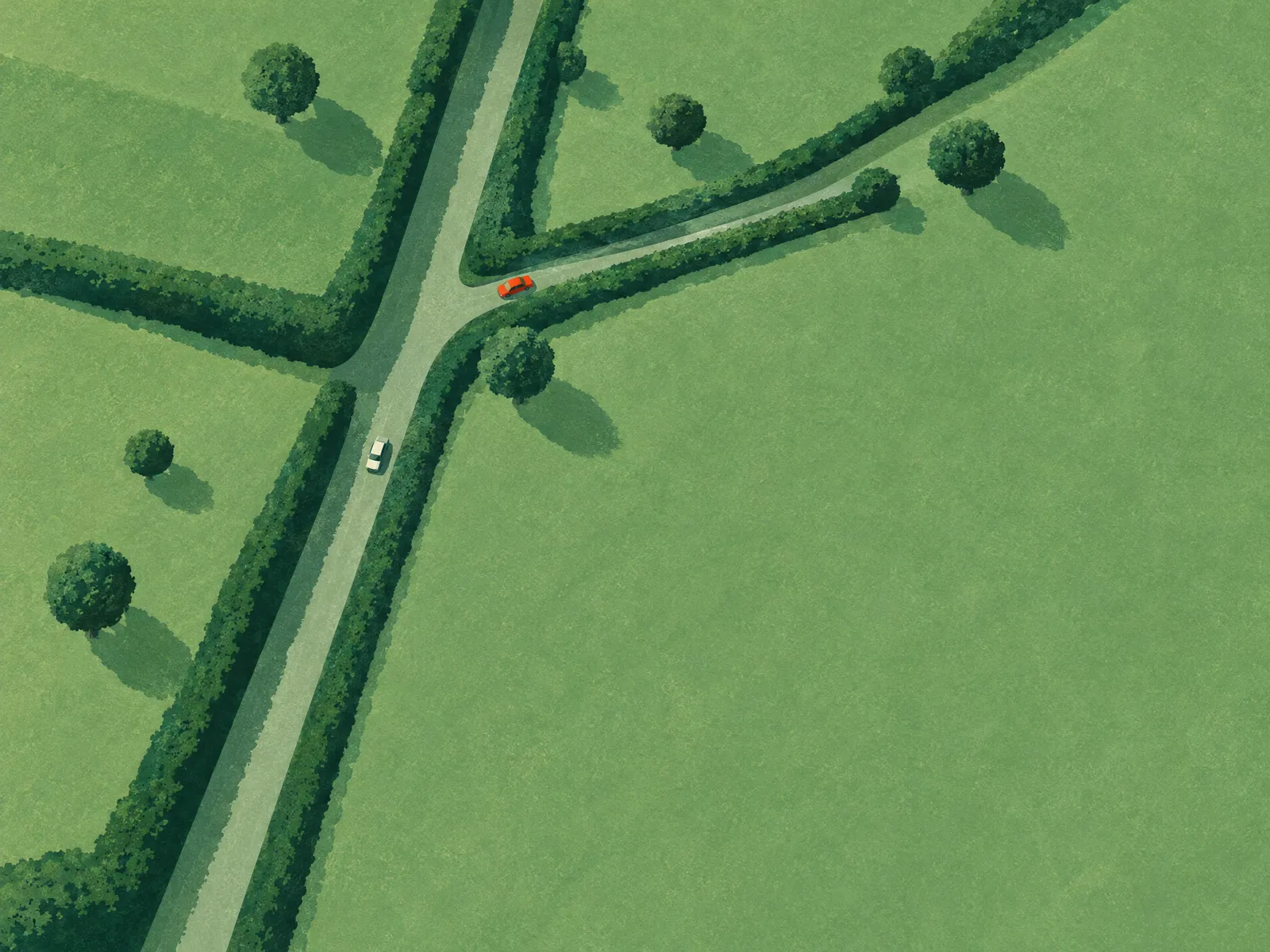
When the day tips over, Farola asks
If a visit runs longer, Farola recalculates the arrival times of the following visits. Management sees it straight away, without a phone call.
For you: Less phoning in the morning. The decision stays with you.
- A delay shifts the arrival times of the following visits
- “On the way – arrived – done” shows up live in the dashboard
- Suggestion of who can take over a client, confirmed with one tap
- Tell relatives about delays
4 · Overview
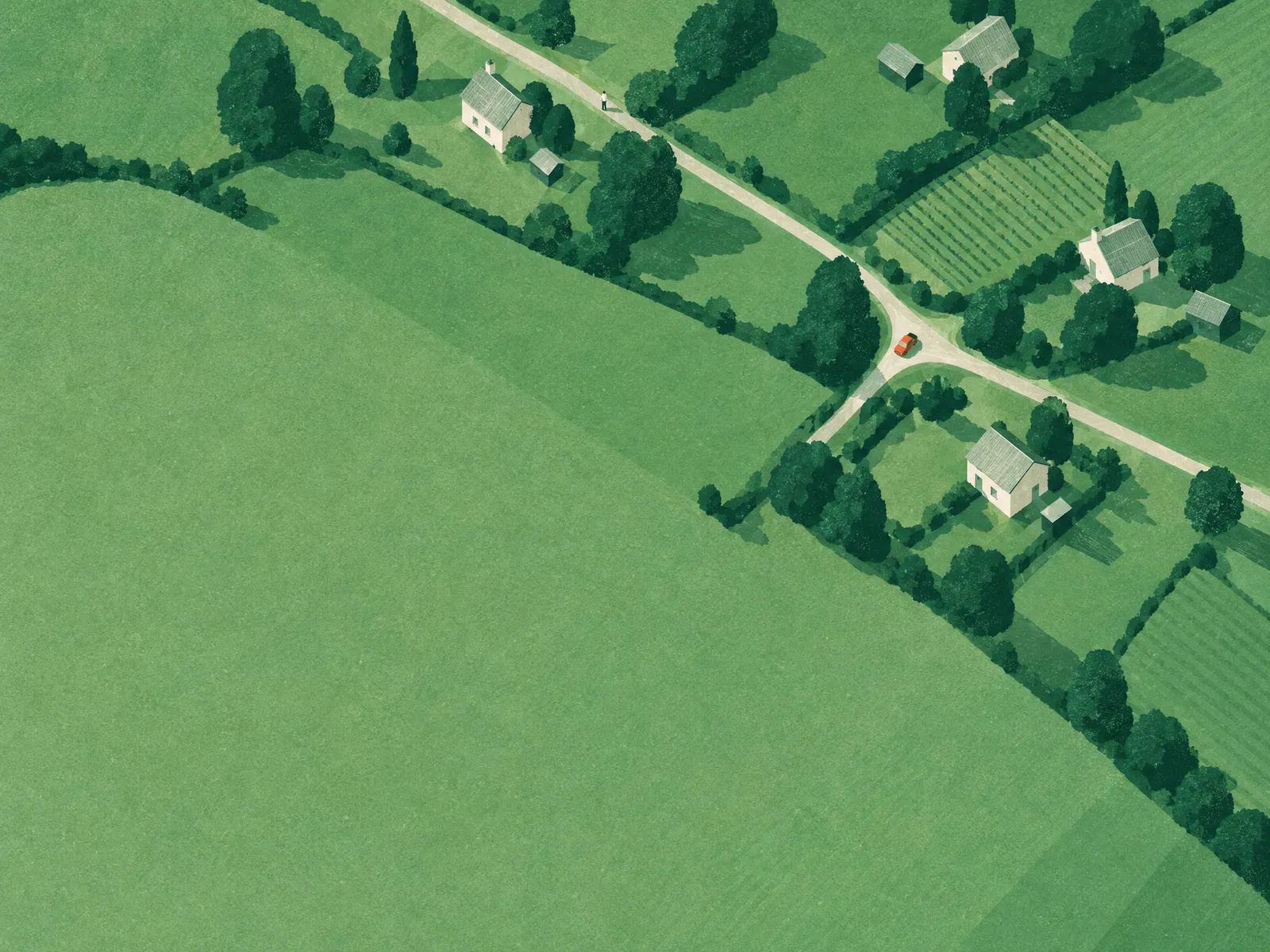
Everything in one place
What is said and done on the road ends up with the client and in the round instead of in someone's head or a chat.
For you: The next colleague knows what happened. So do you.
- Live map with all rounds, caregivers and visits
- Tasks per visit, ticked off and saved
- A memory per client that keeps learning from every conversation
- Export to your care documentation
- Each care service sees only its own data, each caregiver only their own round
Who sees what
Everyone sees the data they need
On the road you see only your own clients; the office sees the whole day.
Caregiver
App- Today
- Meds
- Notes
- File
Dispatch
Dashboard- Live map
- Rounds
- Inbox
Management
Dashboard- Care report
- Medication plan
- Change log
- Team & data
For doctors
Dashboard- Vital signs
- Medication
- Observations
Clients & relatives
Device- Arrival time
- Request by voice
The app
One app for the whole visit, on the phone and on the tablet
In the app, every client has a page with everything due today: the last conversation, the tasks, the medication, the file. Your caregivers speak instead of typing and tick off what is done.
- Speak instead of typing: one tap on the record button and Farola captures the conversation (only with consent)
- Medication and routines to tick off: medication plan, readings and tasks per visit, with times
- Hand tasks to Farola: “Request a prescription from Dr. Weber”, and Farola makes the call
- iPhone and iPad: on the phone on the road, on the tablet at handover, both with the same data
- Vehicle tracker: fills in the drive between visits and shows the arrival time live, even without a phone in the car
Vehicle tracker
Every vehicle live on the map
For every vehicle, Farola supplies a small tracker. It plugs into the OBD port under the steering wheel in two minutes, no garage needed. A data SIM is built in, and the vehicle appears live on the map.
Device: e.g. Teltonika FMC003 (OBD, LTE)
- Plug it in, scan the code in the dashboard, assign the vehicle
- Live position during the round, even without a phone in the car
- Tracking only happens during rounds. Private journeys and positions after work are not stored.
Without a tracker: the caregiver app reports the position while it is open during the round.
For you: You know where every vehicle is without making a phone call.
Trust
Your caregivers become people your clients confide in
Before the caregiver rings the bell, Farola reminds her of what mattered in earlier conversations: that the granddaughter's birthday is coming up, that Mrs K. has slept badly since the move, that she loves her garden. So she picks up where they left off instead of starting from zero every time.
- Briefing before every visit in the app
- Filled automatically from all previous conversations
For you: Happy clients and relatives, plus caregivers who stay because their work becomes more human.
Follow-ups
Farola handles the follow-ups
What comes up during a visit often has to be sorted out on the phone. The caregiver tells Farola once, and Farola takes over the calls.
Farola always identifies itself as an AI on the phone and passes on information about clients only with their consent.
For you: No phone loops in the office: appointments, prescriptions and call-backs run in the background.
Familiar voice
On the phone, Farola sounds like your team
Farola takes over routine calls such as appointment confirmations, reminders, call-backs and questions about the time, in the voice of the caregiver your clients know.
- A caregiver's voice is used only with their explicit consent, which they can withdraw at any time.
- Medical questions, personal conversations and emergencies go to a person: Farola passes them on to your team.
For you: Your team spends less time on the phone and more with people, and your clients still hear a familiar voice.
- Farola: “Hello, Mrs Keller, this is Anna's digital assistant from Sonnenschein care service. I'm calling about your doctor's appointment.”
- Client: “Oh, lovely. What time was it again?”
- Farola: “Thursday at 8, with Dr Weber.”
Farola always identifies itself as an AI on the phone. The law requires it, and it keeps things honest.
For clients
Farola at home
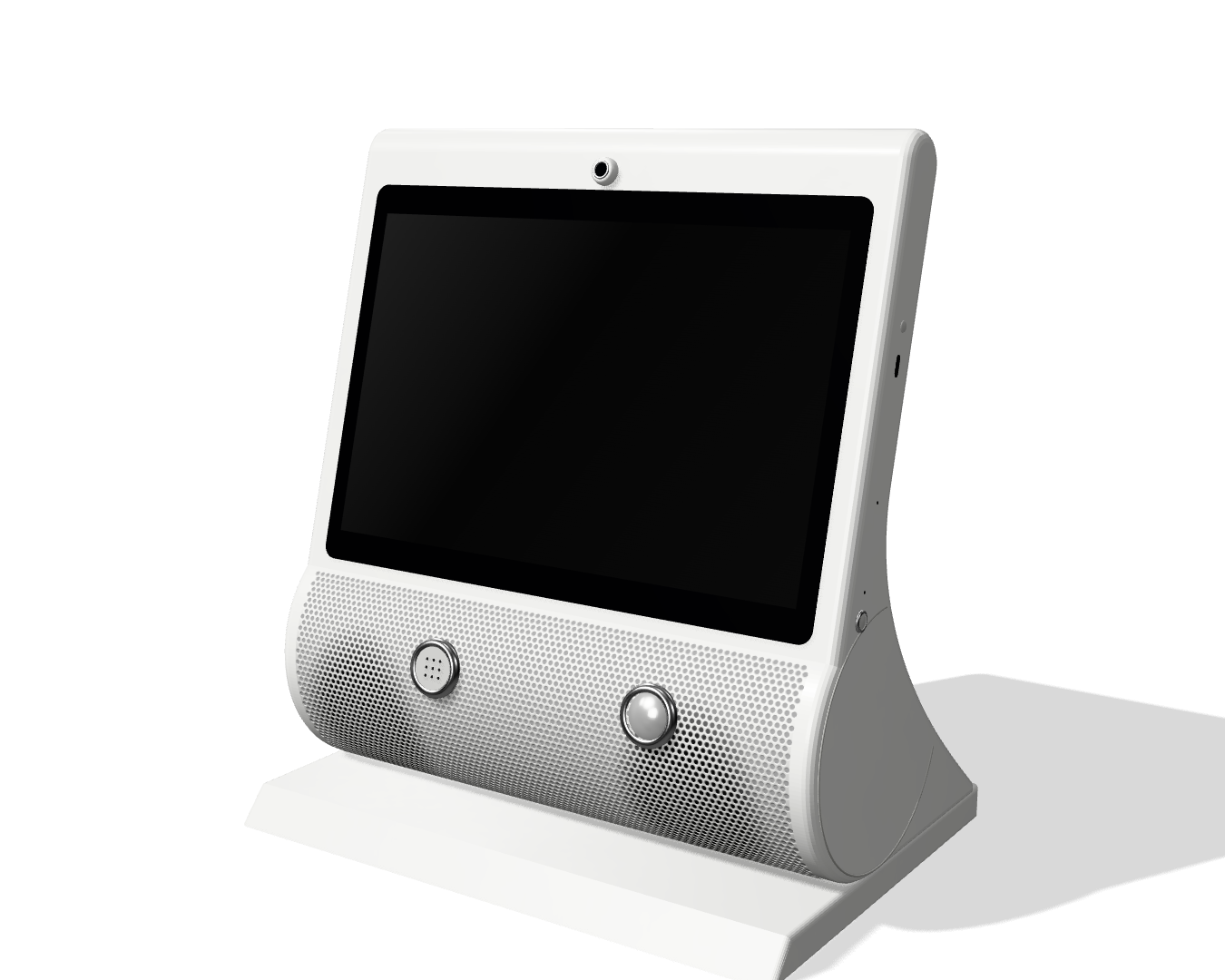
Every client gets a small device for the bedside table. Press the big button on top once and simply speak. Farola answers in a natural voice.
- Reads e-mails aloud and writes replies, for example to a daughter or grandson
- Makes calls: to relatives or straight to your care service
- Shows on the display what matters today: “Anna is coming today at 9:15”
- Reminds about medication and appointments with a sound and on the display
- Farola only listens once the button has been pressed. The microphone is not listening in all the time.
- The AI runs in the EU. On the phone, Farola always identifies itself as an AI.
- Not a home emergency call system: the device does not replace an emergency service. In an emergency, 112 or the home emergency call system still applies. Farola passes anything urgent on to people in your team.
For you: Fewer calls to the office, because clients and relatives know when you are coming and what is next.
Built for health data
- Processing in the EU: database, files and AI (Vertex AI, EU region).
- Recording only with documented consent. Without it there is no record button.
- Location tracking only during the round, visible in the app, no evaluation of individuals.
- No advertising, no tracking, no cookies on this website.
More: Privacy and security.

In addition, not instead
Farola does not replace your care software. It runs alongside it: an AI that listens on the road, keeps the record and keeps an eye on the day.
- Your care software stays. No data migration, no switchover, no billing in Farola.
- Your team speaks instead of typing. The app is built for the road: round, navigation, one tap for “Arrived”, recording with consent.
- You only pay when the AI works for you. 0 € a month, no base fee, no contract term. Only credits for AI usage are billed.
- Your team speaksAt the client's home, in the app
- Farola keeps the recordTranscript in the EU, round and tasks live
- Your documentationHanded over to your care software
What Farola costs
0 €
a month · no base fee · no contract term
You only pay credits for AI usage, for example for a transcribed recording.
Register your care serviceReady in no time
Invitation link for your team
You invite your caregivers from the dashboard, by e-mail or as a link to send in a message.
App on the work phone
The caregiver opens the link, downloads “Farola Care” and signs in with their phone number. No password to remember.
First round
Create clients and visits and release the round. It appears in the app straight away.
Frequently asked questions
Do I have to switch my care software?
No. Farola runs alongside the software you use today for care planning, documentation and billing. There is no data migration and no switchover. You only enter in Farola what the rounds and the app need.
Does Farola replace care documentation?
No. Farola is not certified care documentation under SGB XI. It captures what is said at the client's home and prepares it so that you can transfer it into your documentation.
What happens to the conversation recordings?
Recording only happens if there is documented consent for the client. Otherwise there is no record button. The recording is transcribed in the EU (Vertex AI, EU region) and deleted automatically once the agreed period has passed. Your care service is responsible for the data; Farola acts as a processor. More: Privacy: caregiver app.
Does Farola really make calls itself?
Yes. Farola calls on behalf of your care service, for example the doctor's surgery or the client. It always identifies itself as an AI on the phone and passes on information about clients only with their consent. Your team sees the status of every call in the plan.
Does Farola sound like my staff on the phone?
If you want it to. For routine calls such as appointment confirmations, reminders or call-backs, Farola can speak in the voice of one of your caregivers, but only with their explicit consent, which they can withdraw at any time. Farola always identifies itself as an AI. Medical questions, personal conversations and emergencies are handled by a person: Farola passes them on to your team.
Does the app work without a network?
Partly. A round that has been loaded stays visible, even in a dead zone. Status updates, ticked-off tasks and recordings need a connection. Without one, the app says so and you send again. Location data is buffered and sent later.
What does Farola cost?
0 € a month, with no base fee and no contract term. You only pay credits for AI usage, that is for what the AI actually does for you, such as transcribing a conversation.
Is the caregiver tracked all the time?
No. Location tracking only runs during a round and only while the app is open, the app shows visibly that it is running, and it ends with the last visit. There is no evaluation of individuals: no rankings, no break or speed profiles.
Does the vehicle tracker record private journeys?
No. Positions are stored only during rounds, not on private journeys or trips after work. Without a tracker, Farola locates only via the caregiver app, while it is open during a round.
Does the home device replace a home emergency call system?
No. The device replaces neither a home emergency call system nor an emergency service. In an emergency, 112 or the client's home emergency call system still applies. Farola helps with everyday things like reminders, calls, e-mails and the next visit. Anything urgent it passes on to your team.
What devices does my team need?
A smartphone (iPhone or Android) with the “Farola Care” app for the caregivers. They sign in with an invitation link and their own phone number. Management and dispatch work in the browser.
Can an AI assistant set up Farola for me?
It can prepare your care service's registration, with a link or through our open interface. Nothing is created until you confirm the link in your e-mail and set a password yourself. Details: For AI assistants.
Try it with your team
Start for free: a few details, one confirmation by e-mail. An AI assistant can prepare the details for you.